Your cart is empty
Add a ChronoPad to protect your MacBook and complete your setup.
Browse ChronoPads

Every MacBook gets sold, traded in, or handed down eventually. When that day comes, nobody asks how fast it feels. They look at the surface. And the surface tells them exactly where your watch sat for three years.
Apple’s Trade In programme asks about cosmetic condition before quoting, and refurbished marketplaces like Back Market sell the same model in separate condition tiers, each at its own price. The gap between the best and worst cosmetic grade of an otherwise identical MacBook is real money, often more than the cost of every protective accessory you could have bought on day one.

Lids get sleeves. Corners mostly survive. The palm rest gets none of that care and all of the contact: hours of wrists, watch bracelets, and rings every single day. It is also the first place a buyer looks when they open the lid, because it sits right under their eyes. Why the palm rest wears first is worth understanding, but the short version is simple: it is the highest-contact, least-protected part of the machine.
| Typical grade | What it means for the surface |
|---|---|
| Excellent / like new | No visible marks at arm’s length. Palm rest clean. |
| Good | Light wear you can find if you look. Faint palm rest shine. |
| Fair | Marks visible at a glance, often a scratched palm rest and worn lid. |
Names differ per platform, but the pattern is the same everywhere: each step down the ladder is a discount, and a scratched palm rest alone is enough to knock a machine out of the top tier because it cannot be refurbished away without replacing the whole top case.
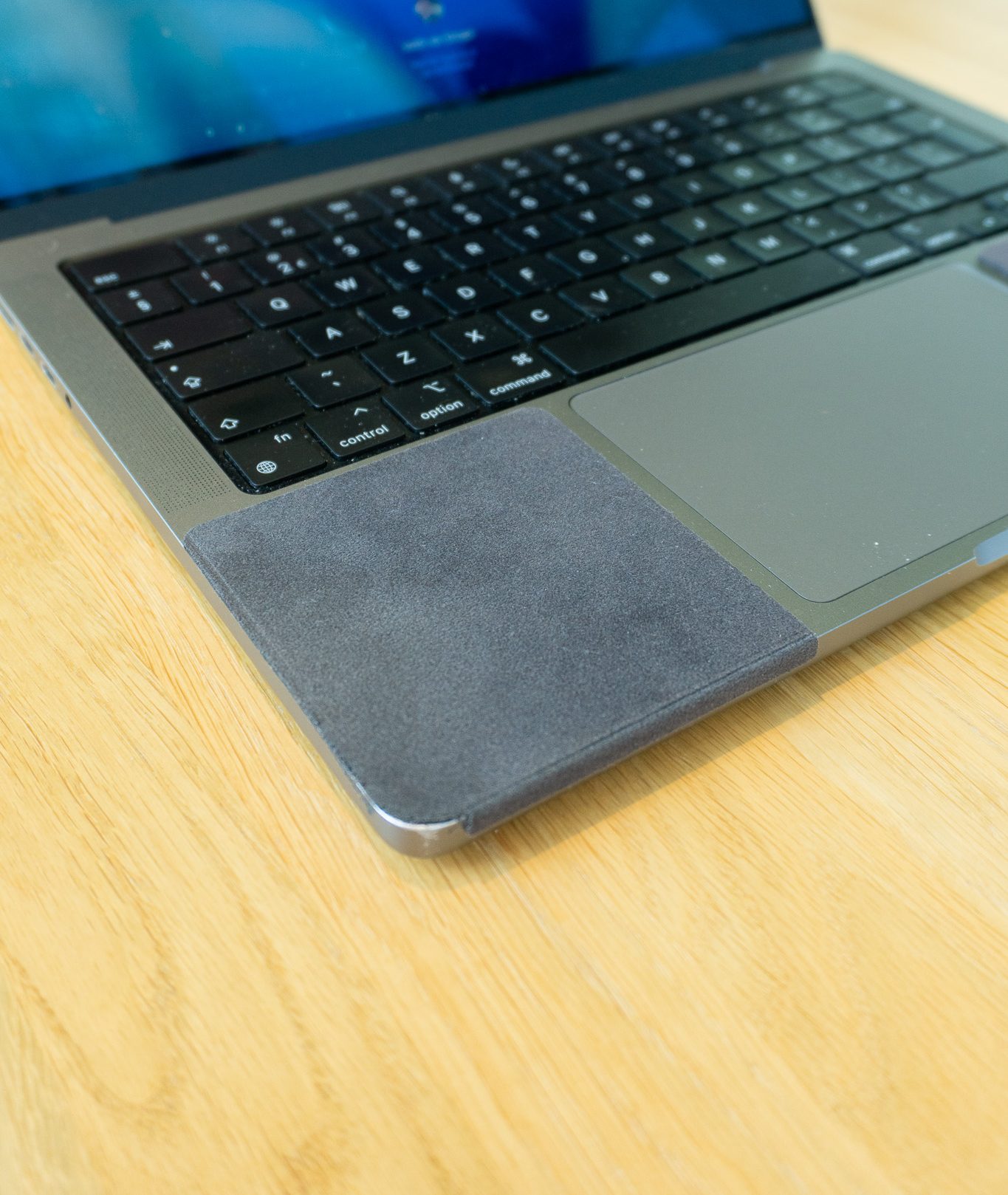
The lid takes care of itself with a decent sleeve, and a regular clean keeps oils from dulling the finish. The palm rest needs an actual barrier if you wear a watch. ChronoPad® is a 3mm pad matched to the MacBook finish that covers the contact zone and peels off without residue. On the day you sell, you remove it and the aluminium underneath is the aluminium you bought.
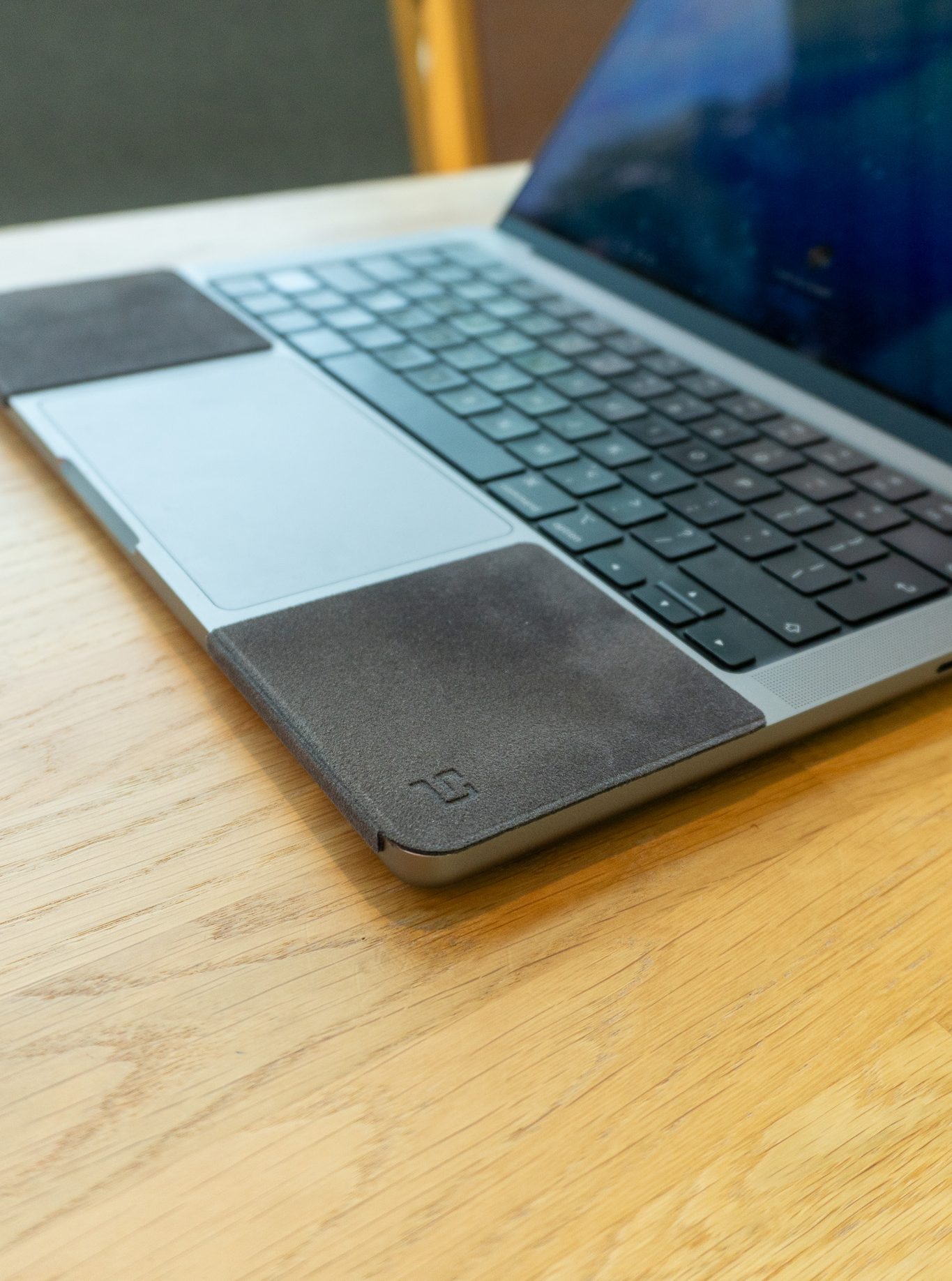
ChronoPad® is cut to match the palm rest of the 13", 14", and 16" MacBook individually, so there is no visible overhang for a buyer to notice. Check the fit for the MacBook Air 13", the size that changes hands most often on the second-hand market, or find your model on the shop page above. Resale listings increasingly include close-up palm rest photos, and a Cartier bracelet is exactly the kind of everyday wear buyers are trained to look for.

Yes. Cosmetic condition is one of the questions in every trade-in flow, and visible wear moves the quote down. On resale platforms the same model lists in separate condition tiers at different prices.
Not economically. The palm rest is part of the top case assembly, together with the keyboard and battery. Replacing it costs more than the cosmetic discount, so scratched machines simply sell in a lower tier.
ChronoPad® uses a residue-free adhesive layer. It lifts off cleanly, which is the point: the surface underneath stays exactly as it was.
Your resale price is set while you type. Shop ChronoPad® and hand over a palm rest without a history.

Read article

Read article

Read article
Coming soon
Leave your details and we will let you know as soon as the ChronoPad for the is available.
"*" indicates required fields