Your cart is empty
Add a ChronoPad to protect your MacBook and complete your setup.
Browse ChronoPads
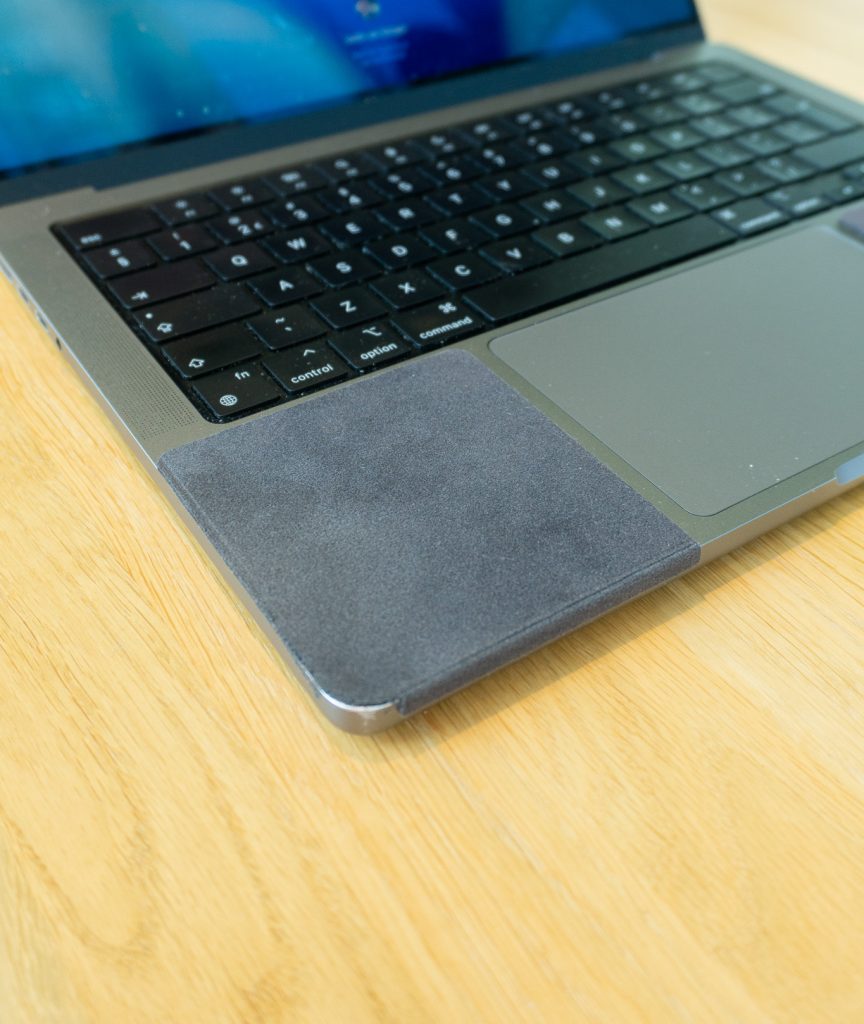
Your MacBook palm rest has picked up fine scratches, and you want them gone. Fair enough. Before you reach for polish, toothpaste, or a YouTube tutorial, it helps to understand what that surface actually is. The honest answer up front: you cannot really remove scratches from a MacBook, but you can stop paying for new ones.
A MacBook top case is made of anodised aluminium. The anodising process grows a very hard oxide skin on the metal, but that skin is only about a hundredth of a millimetre thick, and it carries the colour of your MacBook. The metal underneath is soft. When a watch bracelet drags across the palm rest long enough, it wears through the hard skin and into the soft aluminium below. That is why scratches on the palm rest look lighter than the surrounding finish: you are seeing bare metal.

Metal polish, toothpaste, and fine sandpaper all work the same way: they remove material until the surface is uniform again. On bare steel that is fine. On anodised aluminium it means grinding away the coloured oxide layer around the scratch. You trade one thin scratch for a larger dull patch that no longer matches the rest of the case, and the freshly exposed aluminium scratches faster than the finish it replaced. Apple itself only recommends gentle cleaning with a soft damp cloth, nothing abrasive.
| Option | Result | Cost |
|---|---|---|
| Polish or toothpaste | Removes the finish, leaves a dull mismatched patch | Low, but irreversible damage |
| Top case replacement | Looks new, but the keyboard and battery come with it | Typically several hundred euros out of warranty |
| Living with it | Free, though the marks keep growing | Paid at resale instead |
| Prevention pad | Existing marks stay, new ones stop | A fraction of any repair |
The replacement route surprises people. Apple does not stock the palm rest as a separate part: it is bonded to the keyboard, battery, and trackpad as one assembly, which repair guides like iFixit document step by step. You would be replacing half the laptop to fix a cosmetic mark.
Since removal is off the table, the question becomes how to stop the damage from spreading. The scratches concentrate where your wrist and watch sit, so that is the only area that needs a barrier. ChronoPad® covers exactly that zone with a 3mm colour-matched pad that lifts off without residue, so a scratch that has not happened yet stays that way. The other prevention habits cost nothing and cover the lid and corners.
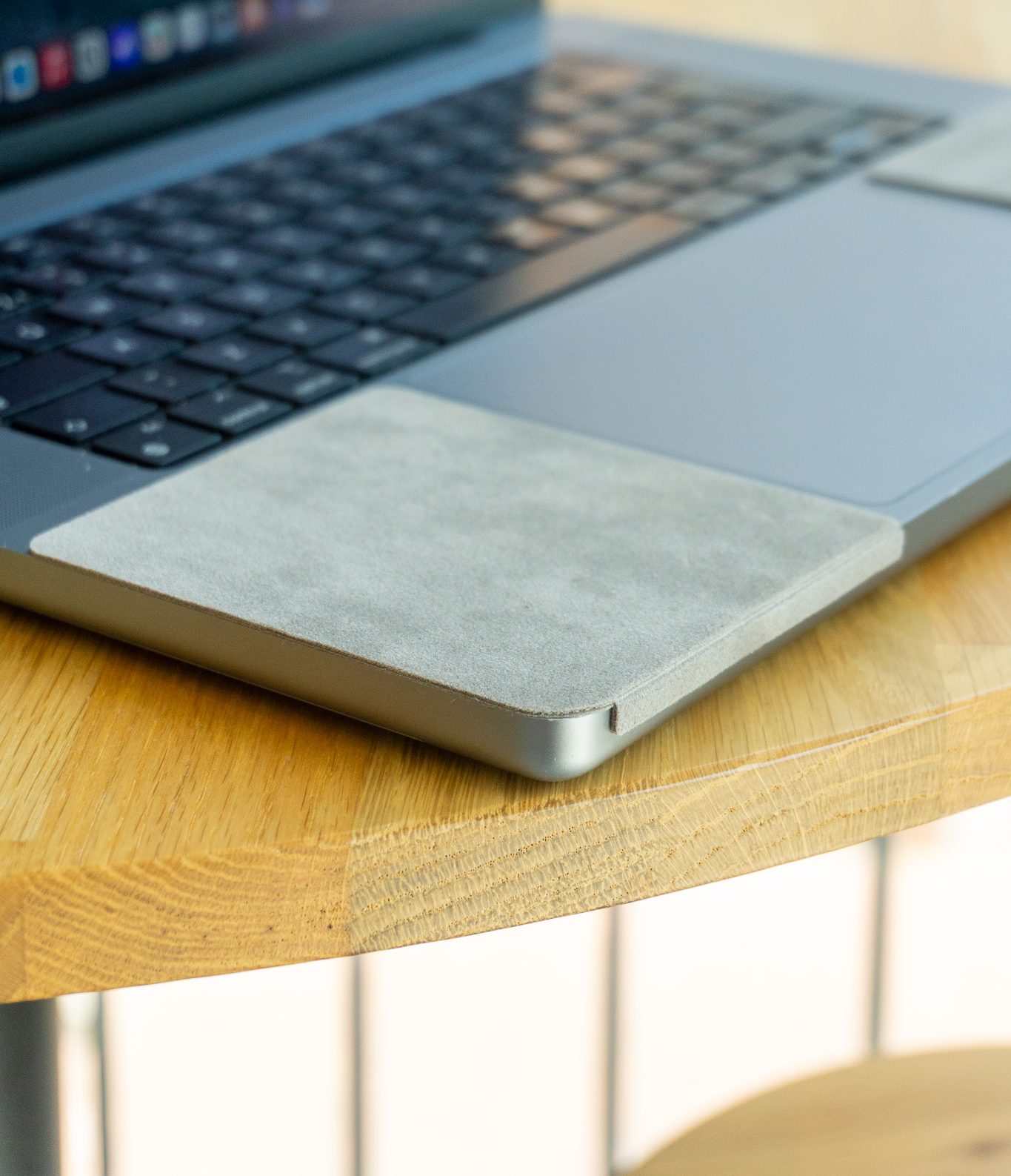
ChronoPad® is cut separately for each MacBook, not sold as one generic rectangle, so the pad follows the exact palm rest curve of your model. See the fit for the 14" MacBook Pro, the size we ship most often, or pick your own on the shop page above. Bracelet weight matters too: a chunky steel diver like a Tudor concentrates more force per pass than a slim dress watch, so it is worth acting sooner if that is what you wear.

No. Apple does not offer cosmetic refinishing. The only official fix is replacing the entire top case assembly, which is priced as a major repair because the keyboard, battery, and trackpad are part of it.
It removes material, which is the problem. On anodised aluminium, toothpaste rubs away the coloured oxide layer and leaves a dull patch that stands out more than the scratch did.
Cosmetic damage that does not affect function is explicitly excluded from AppleCare+ coverage. Scratches count as cosmetic.
Scratches you prevent are the only ones you never pay for. Shop ChronoPad® and keep the finish you still have.

Read article

Read article

Read article

Coming soon
Leave your details and we will let you know as soon as the ChronoPad for the is available.
"*" indicates required fields